Telegram Channel Not Showing in Search? 5 Fixes (2026)
Telegram Channel Not Showing in Search? 5 Fixes
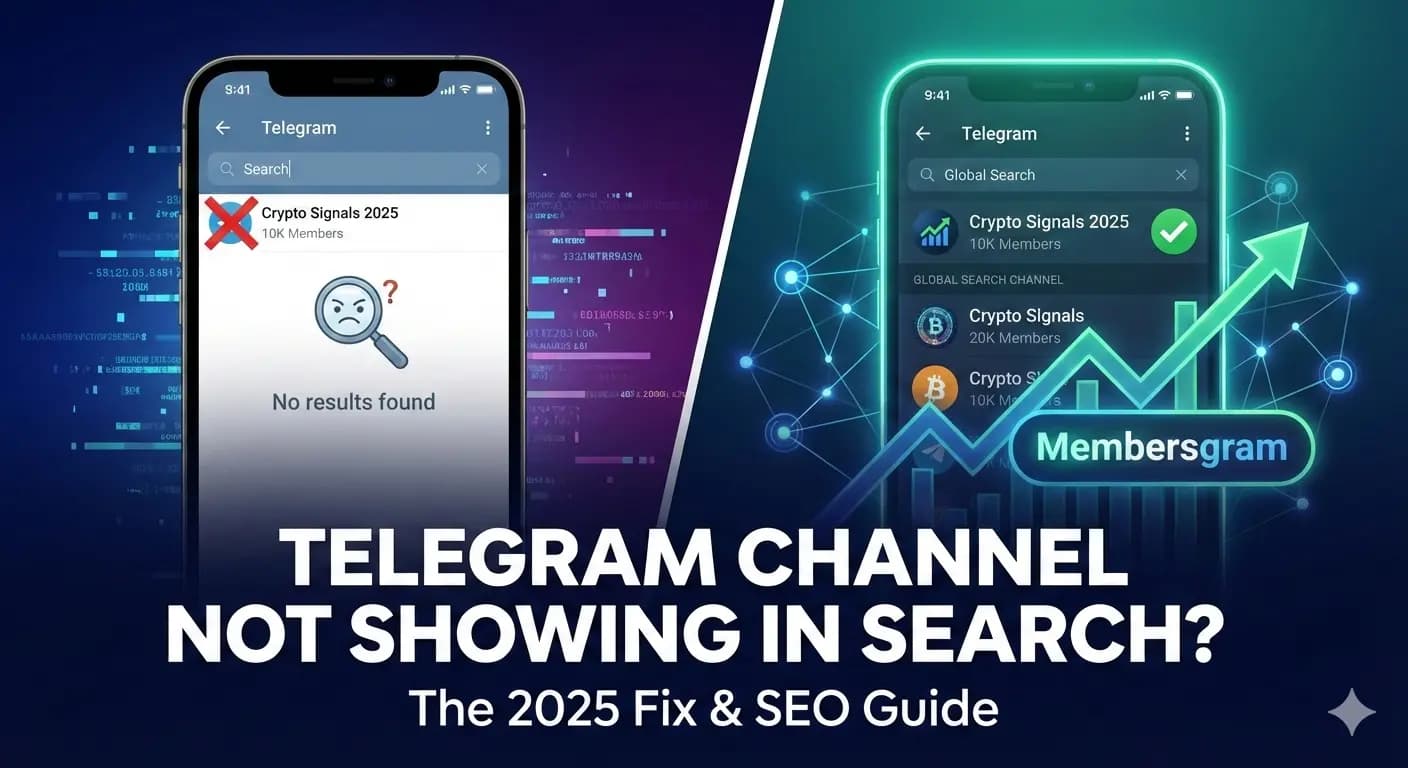
You created a Telegram channel, shared the link, then typed its name into the search bar and nothing came up. That is frustrating, but it is rarely a bug. In most cases a channel is hidden from search because of a setting, a naming problem or a lack of activity, and all three can be fixed.
Telegram does not publish how its global search ranks channels, so nobody outside the company can promise a specific position. Below are the five causes we see most often, in the order that makes sense to check them.
1. Your channel is private, not public
Only public channels can appear in Telegram’s global search. A channel that uses a private invite link (the kind that starts with t.me/+) is hidden from search by design.
Open your channel, tap its name, choose Edit, then Channel Type. Make sure it is set to Public and that you have chosen a username. If you want people to find you through search, this setting is not optional.
2. Your name and username do not match what people search for
Telegram search works mostly on the words in a channel’s name and @username. If your channel is called “Daily Digest” but people search for “crypto news”, it has little reason to show up.
Put your main topic keyword naturally in the channel name (for example “Crypto News Daily”), pick a short, readable username that fits, and write a clear description about the same topic. Avoid stuffing in keywords: a name that looks like spam puts readers off and can get your channel reported.
3. Few members and little activity
Telegram does not document its ranking signals, but in practice channels with more members, regular posts and active readers (views, reactions, forwards) tend to appear above new, quiet ones. A brand-new channel with a handful of subscribers will usually sit far down the results for competitive keywords.
- Post on a steady schedule so the channel shows signs of life.
- Encourage reactions, comments and shares on your best posts.
- Promote the channel outside Telegram: your website, social profiles, newsletters and relevant groups.
If you want to build early momentum faster, a growth service can add members, views and reactions to a young channel. You can explore Membersgram’s Telegram member growth services, but treat that as a starting boost: it works best next to real, useful content, because search visibility alone will not keep readers.
4. Language and region differences
Search results can vary with the searcher’s language and location and with the language of your content. A channel written in English may not show up for someone searching in another language, and what you see on your own phone may differ from what other people see.
Test your channel from a different account, and use the words and language your audience actually types when they search.
5. New channel delay or restrictions
A newly created or renamed channel can take a little time before it shows up in search. Waiting a day or two is normal.
If it still does not appear after that, check whether the channel or your account has been limited. Channels reported for spam, scams or prohibited content can be hidden, and Telegram may limit accounts that break its terms. If you suspect an account limit, you can ask Telegram’s official @SpamBot to check it.
Quick checklist: how to get your channel found
- Set the channel type to Public and choose a username.
- Use a clear, keyword-friendly channel name that matches your topic.
- Write a short description that explains who the channel is for.
- Post consistently and encourage views, reactions and shares.
- Grow your member count steadily with real people.
- Wait a day or two after creating or renaming the channel, then test from another account.
Frequently asked questions
How long does it take for a new Telegram channel to appear in search?
Often a day or two, but Telegram does not guarantee any timeframe. If your channel is public and still missing after several days, review the checklist above.
Can I make my channel rank first in Telegram search?
No one can guarantee the first position. What you can do is make the channel public, use a relevant name, keep posting and grow an engaged audience, which gives it the best chance of ranking well.
Why can I find my channel on one account but not another?
Results can differ by language, region and account. Try searching with a different account and with the exact name or @username of the channel.
Conclusion
Most channels that are missing from Telegram search have a simple cause: they are private, badly named or too new and quiet. Fix those first, then build activity and members over time. For a complete plan beyond search, read our guide on how to grow a Telegram channel.
Posts that already show views and reactions also look more trustworthy to new visitors. See our guide to Telegram views and reactions.
Ready to put this into practice? With Membersgram you can get free Telegram members, buy Telegram views or buy Telegram reactions directly from the app.
Related reading
Grow your telegram channel
Get Members, Views, Reacts, boost and more.